


Nomis HelpDesk
Handle support and maintenance requests
Collect service requests in a shared queue, assign owners and track progress. Customers can submit and follow their requests in a self-service portal or Microsoft Teams.
Explore HelpDeskYears of working with customers have taught us how businesses run day to day. We help small and large organizations clarify responsibilities and support workflows, and identify what is worth automating.
What wastes time in your organization?
Are AI benefits showing in your bottom line?
Where should you start with automation?
Choose the piece that fits your situation.
Nomis HelpDesk
Record and route service requests, track their status and keep related messages together. A self-service portal lets customers submit and follow their own requests.
Choose one support service and agree how requests are recorded and assigned.
Handle support and maintenance requests
Collect service requests in a shared queue, assign owners and track progress. Customers can submit and follow their requests in a self-service portal or Microsoft Teams.
Explore HelpDeskCarry out inspections and quality checks
Carry out inspection rounds on a mobile device. Record findings with photos and comments, and create a work request for a repair during the round.
Explore QualityDeskManage equipment and movable assets
See equipment location, condition, value and maintenance history. Open QR-labelled equipment details on your phone and submit a maintenance request on site.
Explore AssetBankHandle customer and stakeholder feedback
Collect feedback through your own forms and route it to the right unit or person. Track responses and actions, and report on feedback.
Explore FeedBackManage and track cleaning work
Record cleaning work requests and completed tasks on a mobile device. Give staff site instructions in the required language and track the cleaning status of spaces.
Explore CleanDeskCreate an internal service channel
Route requests for HR, finance and administration to the right people. Turn forms and emails into trackable cases instead of relying on a shared inbox.
Explore In-House ServiceDeskAutomate work in Microsoft 365
Automate data transfers, approvals and document handling. We build workflows using Power Automate and Power Apps.
Explore Plus EasyDevelop your business management system
Get help with Business Central planning, implementation, integrations and ongoing development. Our specialists can also support your own team.
Explore Business Central servicesManage workplace risks and safety observations
Riski Arvi supports hazard identification and risk assessment. Turvallisuusilmoitus handles everyday observations. Also available are Arki Arvi, training and consulting.
Explore Turva ArviIn QualityDesk, an inspection is more than a separate form. Findings, photos and work requests are recorded during the round, and results are available for reporting.
Inspection targets, rating scales and recurring rounds guide the inspection.
Attach photos and comments to the finding where the work happens.
Create a work request for a repair during the inspection round.
Compile inspection results into a report and track improvements.
For quality checks, safety rounds, cleanliness inspections and final inspections. Track asset maintenance history in AssetBank.
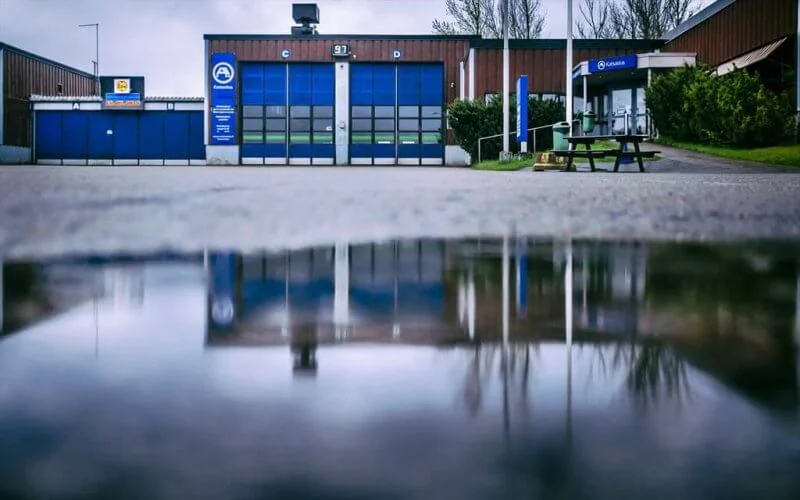
In A-Katsastus's published customer story, support services handled around 7,000 requests a year. An equipment register was also connected to HelpDesk, and weekly reports supported work monitoring.
Read the A-Katsastus story
In Järvenpää's customer story, a resident might report a rattling manhole cover to several people. Nobody knew whether someone had already replied. A shared feedback channel routed questions to the right person.
Read the Järvenpää story
Nomis specialists help fit the modules and integrations to your day-to-day work.
More customer stories
"things get handled flexibly and quickly"

"The entire process went incredibly smoothly."
Nomis customers across industries
Start with one practical solution. Nomis helps with configuration, the integrations you need and learning to use it. Add more as your needs grow.
Plus Easy uses Power Automate and Power Apps. Collected data can be brought into Power BI views.
The REST API supports connections to systems such as customer, user and asset registers. The integrations you need are agreed as part of implementation.
When an existing product isn't enough, we develop an application or extension for your needs. We refine the implementation together as the work progresses.
Explore application developmentGet help with daily IT work, information security, development and change projects. Nomis's own product support team helps software users.
Before implementation, we build the business case together. We estimate the time and cost of current work, expected benefits and the cost of the solution. The decision is based on the calculation, not promises about AI.